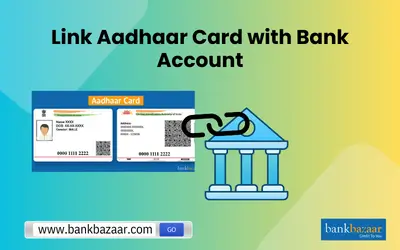
Linking your Aadhaar number (UIDAI’s 12‑digit ID) to your bank account is not mandatory for all services, but it’s often required to receive government benefits (like subsidies, pensions, scholarships, DBT transfers) and eases digital KYC for many banking services.
Though the Supreme Court has clarified Aadhaar isn’t compulsory for opening a bank account or mobile SIM registration, linking it simplifies many government‑linked financial transactions .
🔗 Ways to Link Aadhaar to Your Bank Account Online (and Offline)
1. Internet Banking

Most banks offer an “Update Aadhaar” or “Aadhaar seeding” option in your profile or MY ACCOUNT section:
- Log in to your internet banking.
- Navigate to the Aadhaar update section.
- Enter your Aadhaar number twice and submit.
- After verification with UIDAI, you’ll receive a confirmation SMS.
2. Mobile Banking App
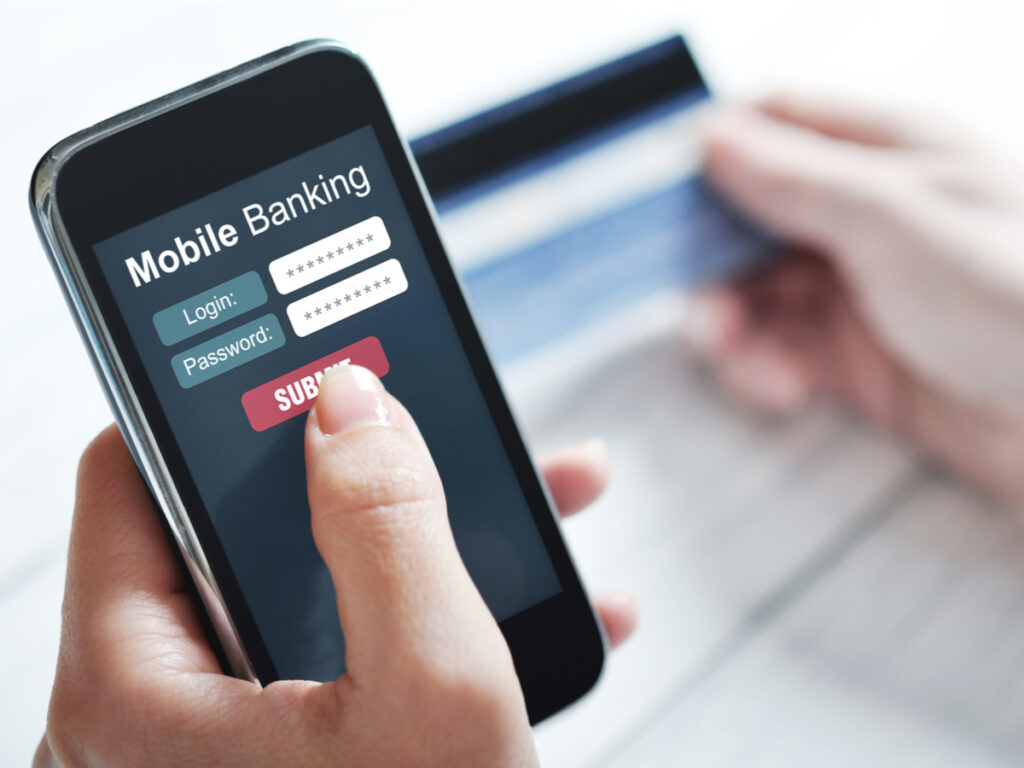
Use your bank’s official mobile app:
- Log in and go to “Services” or “Requests.”
- Choose “View/Update Aadhaar” or similar.
- Enter Aadhaar number (twice) and submit.
- Successful age triggers a confirmation message.
3. SMS
Banks usually allow via SMS from your registered mobile number:
Send it to 567676 (common for many banks) and await confirmation. If details mismatch or if your mobile isn’t registered, you’ll receive a notification to visit the branch .
4. ATM
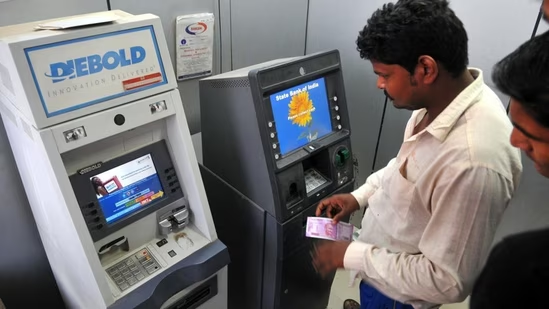
If your bank’s ATM supports this feature:
- Insert debit card, enter PIN.
- Go to Services → Aadhaar Registration.
- Enter and confirm Aadhaar number.
- Submit and receive SMS confirmation once processed .
5. IVR / Phone
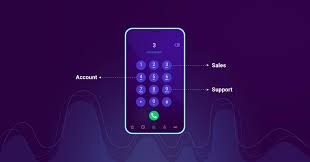
Call your bank’s toll‑free IVR:
- Choose Aadhaar option.
- Enter Aadhaar number when prompted.
- Confirmation comes via SMS later .
6. Bank Branch (Offline)

- Visit your branch with original and a photocopy of Aadhaar.
- Fill Aadhaar linking form; submit along with self‑attested copy.
- Bank processes it and you get notified after successful .
✅ Checking Your Aadhaar-Bank Status
Via UIDAI Website
- Visit UIDAI’s official site and select “Check Aadhaar/Bank Status.”
- Enter your 12‑digit Aadhaar number and captcha.
- Receive OTP on your Aadhaar-registered mobile.
- Submit OTP to view which (if any) account is
Using USSD Code
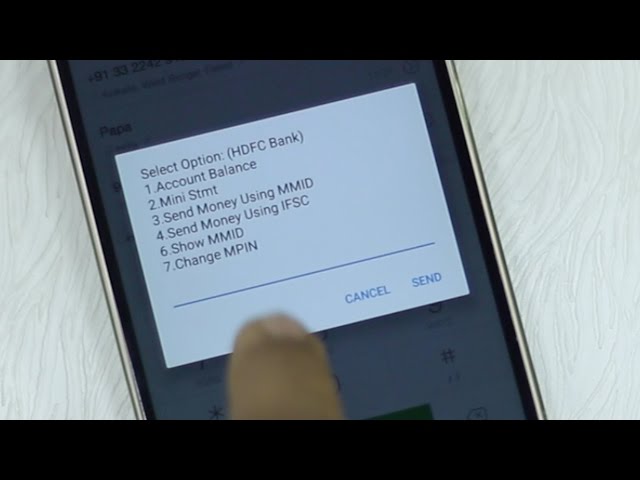
From the registered mobile number, dial *99*99*1#, enter your Aadhaar twice, and check status immediately on screen .
Aadhaar App
- Log into mAadhaar.
- Select “Aadhaar‑Bank Account Status.”
- Enter Aadhaar number and captcha; request OTP.
- Verify OTP to view status.
⚠️ Tips, Risks & Precautions: From Community Experiences
- Be cautious of Aadhaar-enabled payment fraud (AEPS). Fraudsters have misused biometrics or Aadhaar-systems to withdraw funds illicitly. Lock your Aadhaar biometrics when not in use to reduce risk.
- Some users have faced difficulties seeding Aadhaar due to backend issues across banks or unclear procedures—especially if banks lack integration with UIDAI systems .
- If your fingerprint is unreadable or mismatched, consider updating biometric data at a UIDAI enrollment centre. You may also Aadhaar through non-biometric methods like internet or SMS.
🧭 Sample Blog Plan Outline
- Introduction: What is Aadhaar-banking and why it’s beneficial
- Legal Status: Supreme Court rulings and government mandates
- Online Methods: Internet banking, mobile app, SMS, IVR
- Offline Methods: ATM, branch visit
- Checking Status: Website, USSD, mAadhaar app
- Precautions & Common Problems: Fraud awareness, biometric failures, delays
- Conclusion: Recap, advice for users (e.g. lock biometrics), when to visit bank in‑person
✅ Final Tips
- Use only official bank or UIDAI portals/apps—not third-party services.
- Double-check that your mobile number is with UIDAI, or else you won’t receive OTPs.
- Lock/unlock biometrics via the UIDAI site or mAadhaar to manage your AEPS security.
- If an online route doesn’t work or the bank misprocesses it, visit the branch with documents.