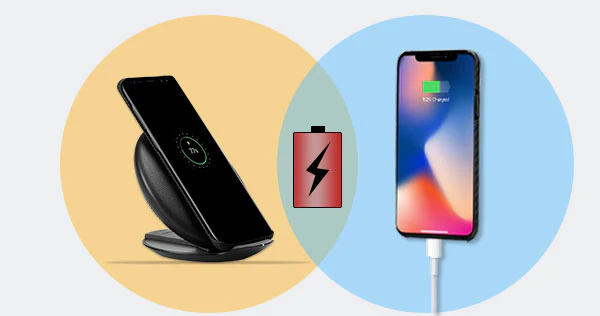
Wireless charging works via inductive charging: a charging pad (transmitter coil) creates an electromagnetic field that transfers power to your phone’s receiver coil when placed on it—no cables needed .
The most widely used standard is Qi, introduced in 2010, supported by Apple, Samsung, Google, and many others .In 2024, Qi2 (version 2.1) added magnetic alignment features for faster, safer charging and now supports up to 15 W standard, and 25 W in certified cases.
✅ Step-by-Step: How to Charge Your Phone Wirelessly
1. Check Compatibility
- Make sure your device supports Qi or Qi2. Most phones from iPhone 8 onward, Samsung Galaxy S/Note, Google Pixel 3+, and many others do .
- If your phone doesn’t support Qi, you can still add it using Qi cases or adapters .
2. Choose a Qi-Certified Charger
- Qi certification ensures device compatibility and safety features like overheating protection and foreign object detection.
- For faster speeds, opt for chargers supporting up to 15 W (Qi2) or 25 W if your phone supports it (e.g. iPhone 16, certain Android devices).
3. Set It Up
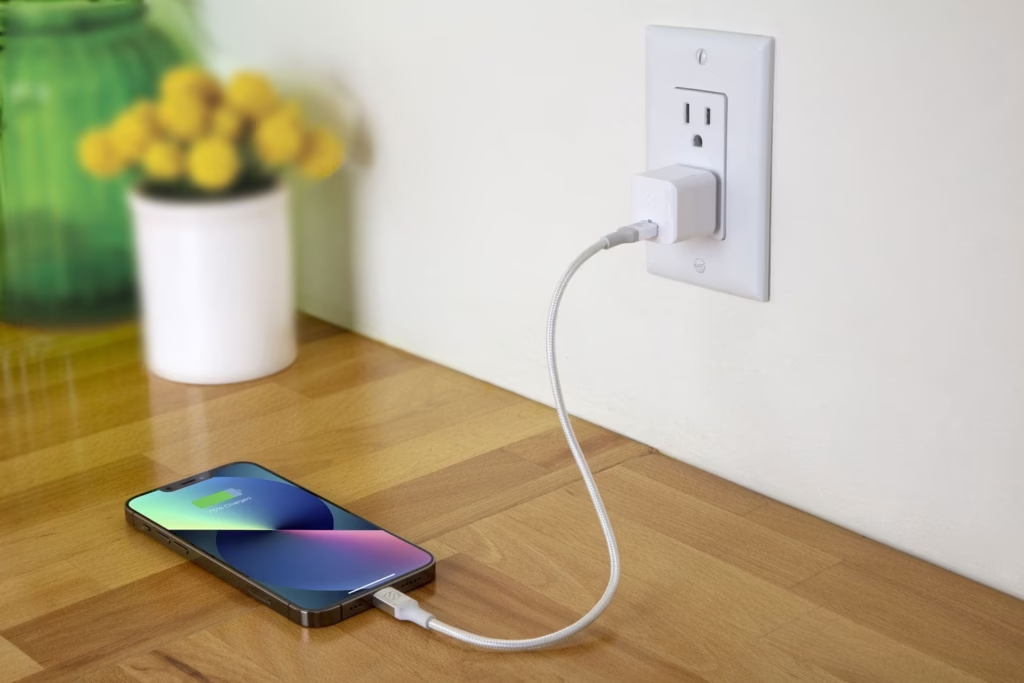
- Plug your charger into a wall outlet using a quality power adapter (ideally ≥30 W for Qi2 25 W) .
- Place charger on a stable, level surface, like a desk or bedside table.
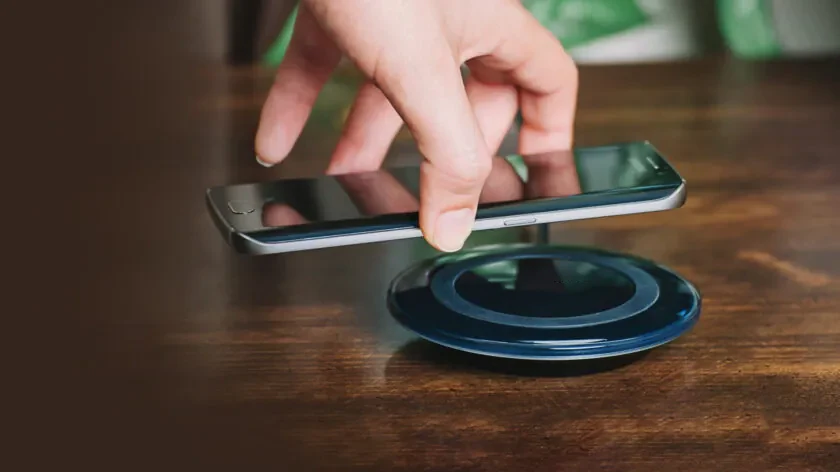
- Lay your phone back side down, centered on the pad or aligned with the markers; proper alignment is key to stable charging .
- Watch for the charging icon; the phone should start charging within a few seconds .
🔍 Tips for Smooth, Efficient Charging
- Remove thick or metal phone cases to avoid interference; some magnetic or RFID cards can block or damage components.
- Minimize heat: avoid in direct sunlight or with any heavy phone use during charging, as heat can degrade battery health over time.
- Lock down your phone: small jitters or vibrations can misalign your phone and disrupt —disable vibrations or use non‑slip stands
- Ideal battery range: for prolonged battery longevity, charge between 20%–80% rather than full 0–100% cycles
- Optimize alignment: users often find that shifting the phone slightly off‑center can reduce heat and increase charging speed
⚡ Wireless vs Wired: Pros and Cons
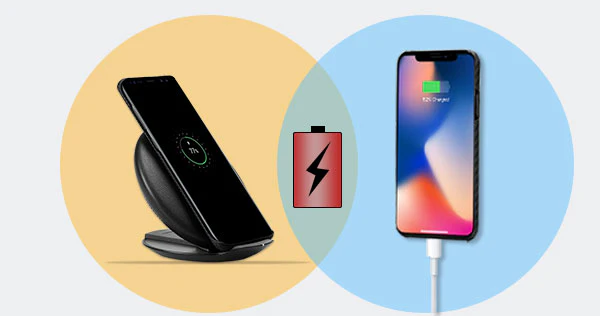
Advantages
- Convenience & neatness: No tangled cables. Great for bedside, desktops, cars, or public spots
- Less wear on ports: Avoid frequent plugging/unplugging, which can damage ports over time
- Universal standard: Qi chargers work across devices, reducing clutter and e‑waste from proprietary cables
Disadvantages
- Slower speeds: Even with Qi2, max wireless performance (25 W) is often slower than wired fast (30–50 W), though it’s narrowing the gap
- Less efficient: Inductive is typically <90% efficient, generating more heat than wired
- Heat concerns: Higher temperature during wireless can subtly reduce battery lifespan over time
- Position sensitivity: Misalignment may interrupt ; wireless setups can be less convenient when you need to use your phone while
🔧 Creative Use Ideas
- Daily docking spots: integrate wireless pads in kitchens, desks, or nightstands; even lamps with built-in Qi charge pads exist .
- Travel & public : portable wireless banks or car mounts let you charge on the go; some cafés and airports now support Qi pads
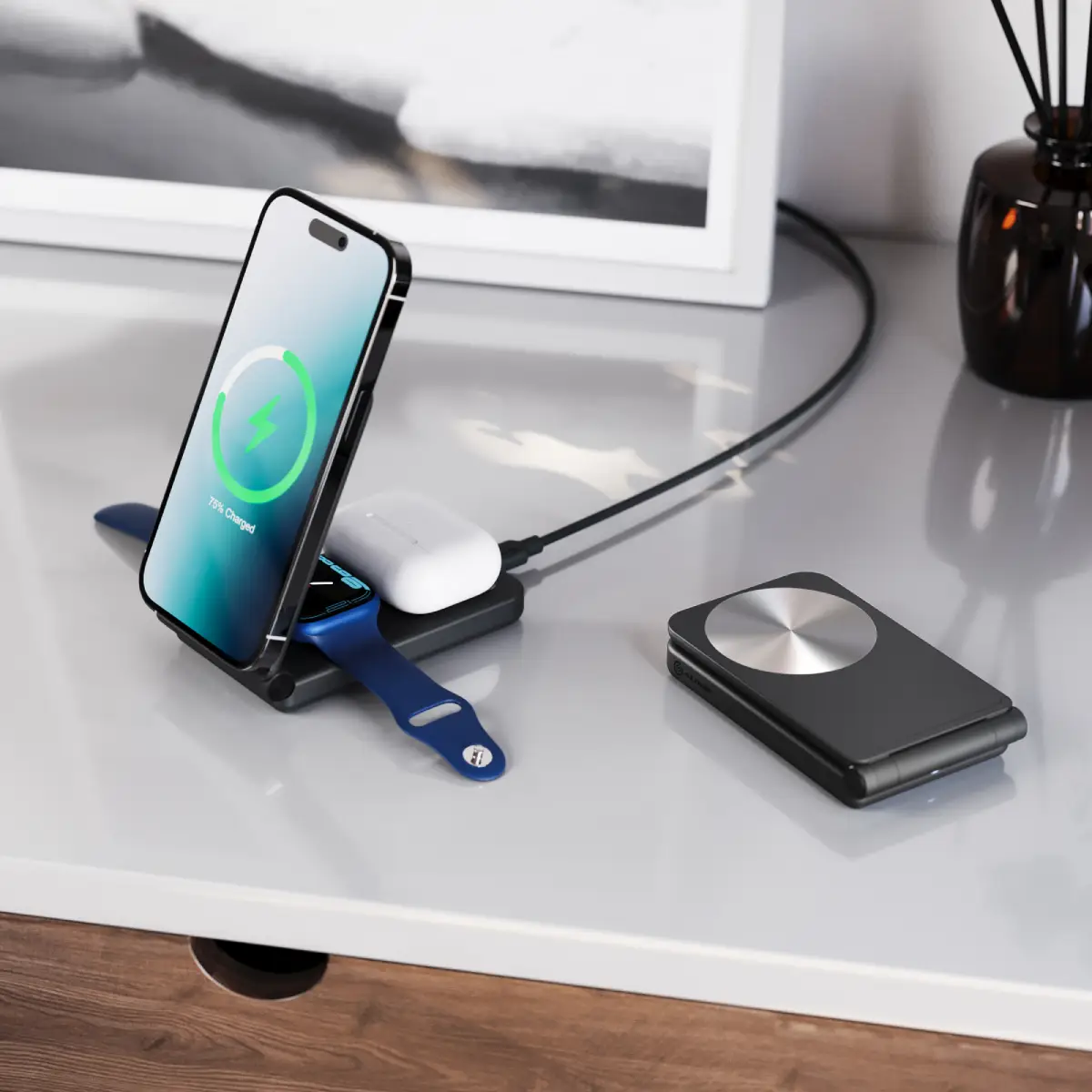
- Multi-device hubs: wireless mats for simultaneously powering phones, earbuds, and smartwatches from a single station
🔚 Final Thoughts
Wireless —particularly Qi and the newer Qi2 standard—is now reliable, pervasive, and user-friendly. If you value clean setup, ease of use, and convenience, it’s a fantastic choice. Just be mindful of alignment, heat, and habits to preserve battery health.
Whether it’s on your nightstand, in your car, or at a public charging station, wireless charging offers a sleek, future‑forward way to power your phone. If you’re curious how it stacks up with a particular phone model or charger, feel free to ask!